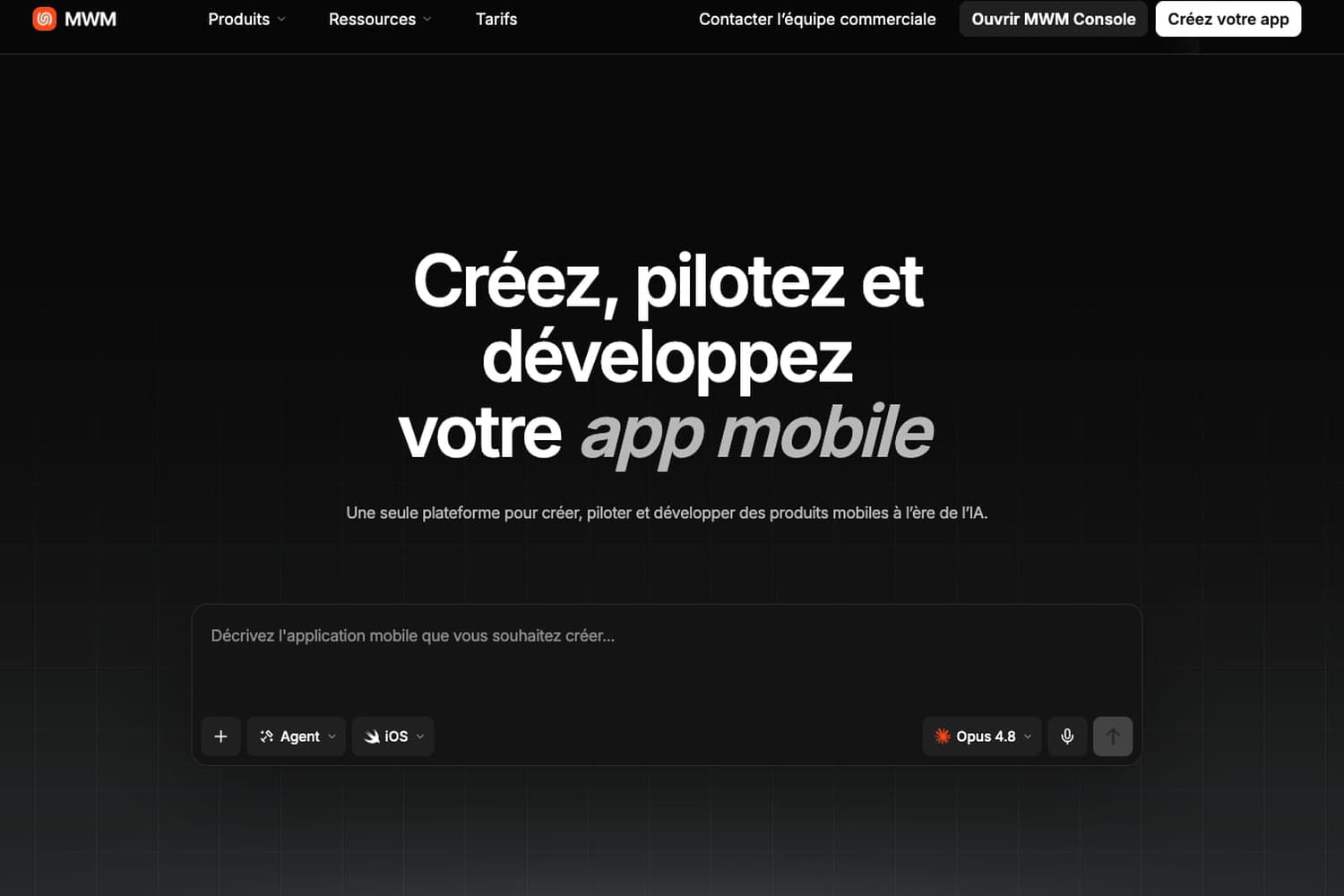
19 dollars, a prompt, an app published in ten minutes: we tested MWM AI, the French platform which promises to democratize mobile vibe-coding.
Lovable, 0dev, Emergent, Google AI Studio… At a time when vibe-coding platforms are legion on the internet, it is becoming essential for them to specialize on a given theme. An added value that MWM AI immediately understood. The Boulogne-based start-up, which initially published applications, now makes available to the general public a platform entirely designed to develop mobile applications. More than just creating an application, the platform allows you to quickly scale a created application. The JDN created an application from scratch.
Create applications with high potential
For MWM, the issue goes far beyond the simple development tools market. Jean-Baptiste Hironde, CEO and founder of the start-up, sees the mobile application as a new creative medium in its own right. “The best analogy is YouTube,” he explains. Where the video platform allows creators to produce and monetize their content, MWM AI intends to give everyone the means to design and operate an application. The manager thus estimates that the market could gradually open up well beyond the current 1.4 million professional studios, until it concerns several hundred million people. “The ambition is really to transform anyone into a businessman in the app economy,” he summarizes.
The real added value of MWM comes after the application creation phase. An application published on the stores does not automatically find its users and does not magically generate revenue. It is still necessary to monitor its performance, analyze uses, optimize its monetization and invest in its acquisition. It is precisely in this area that the company intends to differentiate itself. “The build is a tool. Everything else is to allow people to make a difference,” insists Jean-Baptiste Hironde. The CEO goes even further: his ambition is to support a user “from their initial idea until they are a multi-millionaire”. He cites in particular the creator of SwipeWipe, who managed to get his application off the ground and buy a house in the United States in a few months.
Demanding pricing
|
Characteristic |
Starter |
Pro |
Business |
|---|---|---|---|
|
Price |
$19/month |
$49/month |
$149/month |
|
Monthly credits |
100 |
300 |
1,000 |
|
iOS/Android Preview |
Yes |
Yes |
Yes |
|
Publications on blinds |
NC |
3 |
Unlimited |
|
Integrated monetization |
No |
Yes |
Yes |
|
ASO optimization |
No |
Yes |
Yes |
|
Screenshot generator |
No |
Yes |
Yes |
|
Exporting source code |
No |
NC |
Yes |
|
Advanced Analytics |
No |
NC |
Yes |
|
MWM Console |
No |
Included |
Full access |
|
Generation priority |
Standard |
Priority |
Priority |
|
Support |
Community |
Classic |
Priority |
Pricing is based on three subscription levels. The entry offer is offered at $19 per month and provides access to the main generation functions, 100 credits (each action requested from agents consumes a certain number of credits), an unlimited number of projects and preview of applications in an iOS or Android simulator. The intermediate offer is billed at $49 per month. In particular, it adds 300 credits, three publications on stores, integrated monetization and store optimization tools. Finally, the $149 per month plan increases the quota to 1,000 credits and unlocks unlimited publications, full source code export as well as advanced analysis and localization functions.
The JDN test
For this test, we choose a plan at 19 dollars per month. We will ask the MWM AI agent to create a local forecast application for outdoor activities (hiking, cycling, photography) with an “ideal weather window” score. Rather than displaying raw data, the app cross-references weather forecasts, sunrise/sunset times, and type of activity to recommend an optimal time slot in the next 48 hours, for a given location or route.
Prompt:
Crée une application mobile nommée "ClearWindow" qui aide les utilisateurs à trouver le meilleur créneau horaire pour pratiquer une activité extérieure dans les prochaines 48 heures, en fonction des conditions météo, sur un lieu précis ou un itinéraire.

FONCTIONNALITES PRINCIPALES :

1. Sélection du lieu :

- Au lancement, deux modes possibles :

  a) Mode "Lieu unique" : l'utilisateur recherche une adresse ou un point d'intérêt via une barre de recherche avec autocomplétion (type Google Places), ou utilise sa position actuelle par géolocalisation native

  b) Mode "Itinéraire" : l'utilisateur saisit un point de départ et un point d'arrivée (même système d'autocomplétion), l'app calcule un trajet et découpe l'itinéraire en plusieurs points d'échantillonnage (par exemple tous les 5-10 km selon la distance totale) pour récupérer la météo à chaque segment

- Une carte interactive en fond permet de visualiser le lieu sélectionné ou le tracé de l'itinéraire, avec possibilité d'ajuster les points en les faisant glisser

2. Sélecteur d'activité parmi : Randonnée, Vélo, Course à pied, Photographie, Pique-nique, Pêche

3. Logique de scoring :

- Pour un lieu unique : le score combine température, précipitations, vent, UV, et pour la photographie, golden hour et couverture nuageuse, selon des plages idéales propres à chaque activité (ex. Randonnée : 12-22°C, vent < 20km/h, pas de pluie)

- Pour un itinéraire : le score global est la moyenne pondérée des scores de chaque segment, avec une alerte spécifique si un segment présente des conditions nettement dégradées par rapport au reste du trajet (ex. averse localisée sur un tronçon)

- Afficher les 3 meilleurs créneaux horaires des 48h avec le score, l'heure de début/fin recommandée, et une explication courte en une phrase

4. Détail météo :

- Pour un lieu unique : détail heure par heure (température, précipitations, vent, UV, nuages) avec graphique en courbe

- Pour un itinéraire : vue segment par segment sur une frise, chaque segment affichant son propre mini-score et ses conditions, pour repérer immédiatement les zones à risque sur le trajet

5. Notifications :

- Alerte quand une fenêtre avec un score > 80 apparaît dans les prochaines 24h pour l'activité et le lieu/itinéraire favoris de l'utilisateur

6. Personnalisation :

- Sauvegarde de 2-3 lieux ou itinéraires favoris avec accès rapide

- Mode sombre/clair

DESIGN :

- Interface épurée et moderne, palette inspirée du ciel (bleus, oranges golden hour, gris pluie)

- Score visuellement immédiat (jauge circulaire ou code couleur vert/orange/rouge)

- Carte interactive comme élément central de la sélection de lieu, pas juste un champ de texte

- Icônes simples et lisibles pour chaque condition météo

DONNEES :

- API météo : Open-Meteo (gratuite, sans clé API requise) pour les prévisions horaires sur 48h

- Géocodage et autocomplétion d'adresses : utilise une API de geocoding compatible (type Nominatim/OpenStreetMap, gratuite) pour transformer les recherches textuelles en coordonnées GPS

- Calcul d'itinéraire et découpage en segments : utilise une API de routing compatible (type OSRM, gratuite) pour obtenir le tracé et les points intermédiaires

- Géolocalisation via l'API native du téléphone pour le mode "ma position actuelle"

Commence par l'écran de sélection de lieu (carte + recherche + géolocalisation) en mode "lieu unique" uniquement, avec la timeline de score. On ajoutera le mode itinéraire et les notifications dans une itération suivante.
Once the prompt is sent to the AI, the interface asks us for directions to take before starting, using a form.
MWM AI also offers the possibility of modifying the design of your application by hand. Font, size, color… All UX parameters can be configured before the development phase.
Before embarking on the hard part of development, MWM AI offers a final phase allowing you to preview the future visuals of your application. It is still possible at this stage to make modifications before the AI agent generates the code.
Less than 10 minutes later, our app is ready for testing before publishing to the Play Store. Once the application is finished, you can use the Android / iOS simulator directly on MWM AI or download the application directly to your phone. For example on Android, using a QR code to the APK file.
The app is fully usable, although the front end doesn’t seem to be MWM’s prerogative. It will then be necessary to pass a few additional prompts to correct the last visual problems.
Once the app is polished, it’s time to publish it. You will simply need to associate your Apple or Google Store developer account, depending on the platform. Deployment is then carried out in one click.
MWM Scale: to scale your application (and your business)
Once the application is published, MWM offers a second brick dedicated to growth: MWM Scale. The latter centralizes in a single interface the main indicators necessary to monitor the performance of an app: revenue, subscriptions, free trials, churn, reimbursements, cohorts and even lifetime value. The platform also adds a layer of product analysis, with monitoring of events, funnels, retention, sessions and even user behavior.
MWM Scale also goes further on the distribution side. The console offers ASO (store optimization), keyword tracking, competitor analysis, ranking comparison and even management of metadata published on the stores functions. However, we were not able to test this part; the most advanced analyzes only become accessible once the application is actually published on the App Store or Play Store.
A great tool for non-developers
Ultimately, MWM AI turns out to be excellent for those who want to get started in creating mobile applications without having a developer profile. Is it better than Claude Code? For this specific use case, yes. Claude Code remains an excellent tool for developers capable of managing a project, understanding the generated code and correcting errors themselves. MWM AI goes further in accessibility, it transforms the creation of an application into a guided, visual and largely automated process.
The platform does not replace professionals, but allows non-specialists to quickly produce content previously reserved for experienced profiles. It now remains to be seen whether MWM will manage to keep its promise over time, particularly in terms of code quality, application monitoring and their real capacity to generate revenue. A project to follow closely.